
A blank screen does not tell the whole story.
For AC thermostat troubleshooting, Coastal Carolina Comfort can help you plan a diagnostic visit. An AC thermostat can stop responding because of settings, batteries, a power interruption or a problem elsewhere in the control circuit. Check only the display, settings and user-accessible batteries allowed by the manual. A blank screen alone does not prove the thermostat has failed.
Reference: Resideo; RectorSeal.
First published 2024-04-15 · Content revised September 7, 2026 · About 13 minutes to read
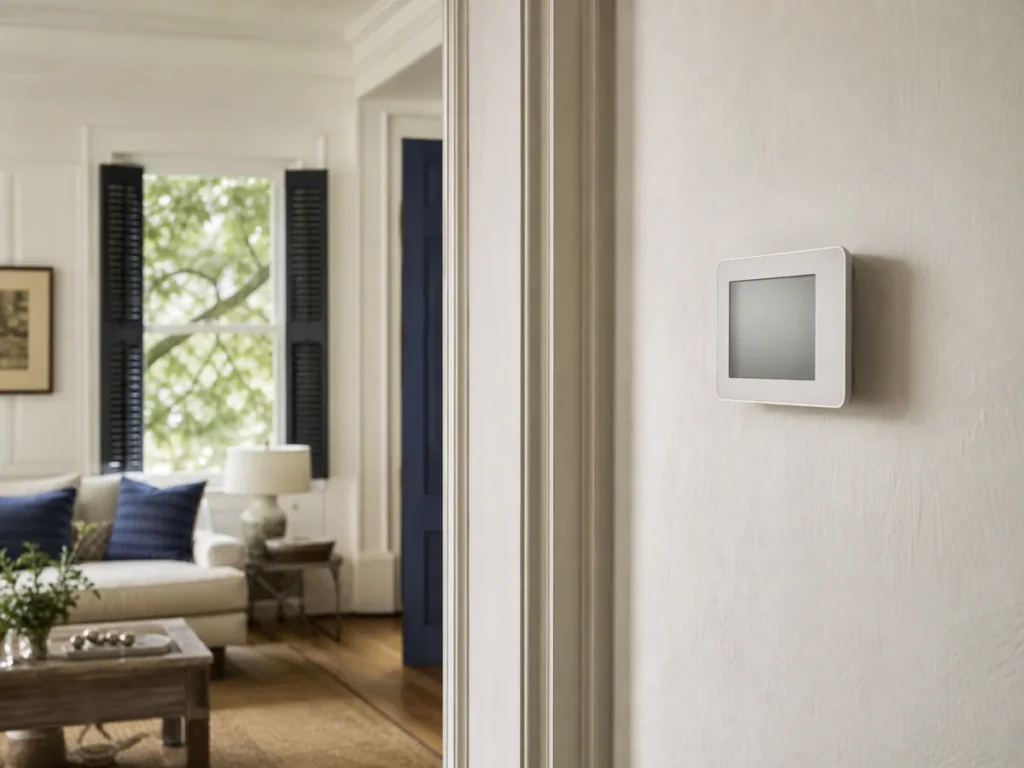
The thermostat requests operation. Power and system controls still have to respond.
Reference: Resideo.
ENERGY STAR’s cited efficiency effect of airflow problems; not your measured loss. ENERGY STAR.
Typical-house duct air loss estimate; not a measurement of your home. ENERGY STAR.
ENERGY STAR recommends preseason professional HVAC checkups. ENERGY STAR.
ENERGY STAR’s filter inspection and care reminder; follow equipment instructions. ENERGY STAR.
The screen is one clue. Whether the indoor and outdoor equipment respond is another.
Check the manual for user-replaceable batteries. Some thermostats receive power from the HVAC equipment, so a blank screen can also reflect a system power or control issue.
Reference: Resideo.
Confirm cooling mode and a set temperature below room temperature. Note error messages and allow any manufacturer-specified restart delay before deciding that the system is unresponsive.
Reference: Resideo.
This is a simplified control relationship, not a wiring diagram. The exact sequence depends on your equipment.
The thermostat compares the room temperature with the selected target.
Reference: Resideo.
Controls pass the request to the HVAC equipment.
Reference: Resideo.
Power and any installed safety controls must allow operation.
Reference: RectorSeal.
The blower and cooling equipment operate as the system is designed.
Reference: U.S. Department of Energy.
Make sure the system is set to Cool for a cooling request. Fan-only operation can move air without producing cooling.
Reference: Resideo.
Compare the target with the displayed room temperature. A schedule or temporary hold may be changing the setting.
Reference: Resideo.
Replace batteries only when the thermostat model is designed for user replacement. Use the specified type and orientation.
Reference: Resideo.
Record an error code, low-battery message or delay notice. Repeated resets can make an intermittent fault harder to explain.
An outage or visible water near the indoor unit may matter. See power-surge symptoms or drain and float-switch issues if either occurred.
Reference: RectorSeal.
A technician may need to verify the thermostat’s power supply, control signal, wiring, equipment response and installed protective controls. Compatibility also matters when replacing a thermostat; a new model is not a universal fix.
Reference: Resideo; ENERGY STAR.
Resideo’s VisionPRO user guide separates a blank screen from a system that does not respond to a heating or cooling request. That distinction is useful even when your thermostat is another model. Begin with the display you can see, then describe the equipment response. Follow your own thermostat manual for buttons, batteries and restart instructions. Source: Resideo.
Record the thermostat brand and model if you can read them without removing covers. Note the displayed room temperature, set temperature, operating mode and exact alert. A photo of the screen can preserve details that are easy to forget. You do not need to remove the thermostat from the wall or expose wires to collect this information.
Then describe what happens at the vents. Does air move? Does it feel cool? Does the equipment start and stop? Give the time of the observation and any recent change. A report such as “the screen is on but I cannot feel air at the vents” tells the service team more than “the thermostat is broken.”
Coastal Carolina Comfort checks basic system conditions before recommending a repair. The approved diagnostic approach includes the filter, coils, drain line and electrical connections. A thermostat complaint can therefore lead to an inspection beyond the wall control. Ask the technician to explain which part of the control-and-equipment sequence failed and what evidence supports the recommendation.
The VisionPRO manual lists power-related checks and batteries for battery-powered models among its blank-screen troubleshooting steps. These are model-specific possibilities, not a diagnosis of your thermostat. Check only the user-accessible items that your own manual permits. If you see moisture, damage or exposed wiring, keep clear and arrange professional inspection instead of opening the control. Source: Resideo.
Tell the technician whether the screen went blank during an outage, after a battery change, after other HVAC work or without an obvious event. Include whether other household power is affected. Do not keep repeating resets to recreate the fault. Save any existing photos or messages and let the technician decide which electrical tests are appropriate.
Read the selected mode before changing anything. Note whether the display shows cooling, heating, fan-only operation or an alert. If the thermostat reports a room temperature above the set temperature, record both values. Avoid making a sequence of unrelated changes; a clear description of the initial settings is more useful than an uncertain account of several experiments.
Some controls use a compressor-protection delay. The cited VisionPRO guide specifies a five-minute wait when that model displays “Wait.” Other products can behave differently. Use the timing in your own manual, and tell Coastal Carolina Comfort if the stated delay has passed with no response. Do not apply one model’s delay as a universal reset procedure. Source: Resideo.

Decide whether your concern is comfort control, the display or remote access. Write down whether the wall control works even when the app does not. Include the app’s exact message without sharing your password. This keeps an app-access question distinct from a failure to heat or cool and helps you describe what you need from the visit.
Resideo provides separate product support, compatibility resources and application-status information. Use the support resources for your own product when an app or connection is the concern. A remote-access problem alone does not establish which HVAC component has failed. If the home also loses cooling, describe that separate equipment symptom when you request service. Source: Resideo.
Ask before replacing a wall control for a connection complaint. Keep the original thermostat’s model information and any installation paperwork. If you already bought a replacement, tell the service team what it is and leave installation to someone qualified for your system. A product that looks similar on the wall may have a different setup or supported equipment configuration.
For a recent change, make a short timeline: installation date, first normal operation, first error and any setting changes you remember. Mark anything you do not know. Coastal Carolina Comfort can use your account alongside the equipment inspection; the timeline should help the diagnosis without claiming that the newest device caused every later symptom.
ENERGY STAR’s maintenance checklist covers thermostat settings, the condensate drain, blower airflow and the system’s start/run/stop sequence. These connected inspection categories explain why a control complaint can require a broader visit. Keep a note of weak airflow or indoor water as well as the thermostat reading. Do not assume one symptom excludes the others. Source: ENERGY STAR.
RectorSeal describes its SS2 condensate switch as a device that stops the system when it detects a clogged drain condition. That product example explains a possible relationship between drainage and shutdown. It does not establish that your system has that switch or that a drain caused your thermostat problem. A technician must identify the installed protection. Source: RectorSeal.
If you notice water, do not bypass a switch, bridge thermostat wires or open a wet cabinet to restore cooling. Describe where the water is visible from a safe location. Our AC drain-pan overflow guide helps organize those observations. Water damage and the reason for a shutdown may both need attention.
If the screen works but airflow is weak, compare the vents and read the AC airflow guide. For noises at the indoor cabinet, see air handler problems. Use the power-surge guide when the timing follows an outage or storm. Report the timing without treating it as proof of electrical damage.
Share the symptom and ask about the next available diagnostic visit for your Charleston home.
Ask the technician to distinguish a failed thermostat from a settings, power, wiring or equipment-response problem. Request an explanation of the test that supports replacement. A new control is a purchase decision; you should understand what it corrects and whether another repair is also needed. Keep optional features separate from the work required to restore operation.
If replacement is recommended, discuss the features you will use. Consider readable controls, scheduling preferences and whether you want remote access. Ask who handles setup and where the instructions will be left. These are household preferences, so there is no need to choose a more complicated control because it has a longer feature list.
Coastal Carolina Comfort’s process calls for homeowner approval before repair. Review the proposed work and ask how the technician will check the system afterward. Keep the diagnosis, product information and invoice together. That record gives you a reference if a setting question, warranty question or similar symptom comes up later.
Prepare one short message before calling: the thermostat model, what the screen shows, whether air moves, when the problem began and any recent work. Include whether you can safely access the wall control and indoor equipment area. Do not enter an unsafe attic or crawlspace to complete the list. Missing information can be collected during the visit.
Ask Coastal Carolina Comfort about the next available appointment and any diagnostic charge. Describe the symptoms without asking the dispatcher to guarantee a particular part or repair duration. For the wider process, use the Charleston HVAC diagnostic guide. To arrange a cooling visit, see Charleston AC repair.
A control problem during heating belongs in the same careful description. Tell the team the system is in heating mode and use Charleston heating repair or heat pump repair as appropriate. Keep covers closed and let the equipment-specific inspection establish the next step.
Keep this note with your equipment information. Record uncertainty rather than guessing at a component or cause.
Billy Webb, owner
Author profile
At Coastal Carolina Comfort, we start with the basic checks before recommending a repair: the filter, coils, drain line and electrical connections. Our service process includes showing you photographs of findings and getting your approval before repair work.
Bring the symptom notes from this guide to the visit. Ask how the findings connect to the problem you reported and what the proposed correction covers.
Review the diagnosis and proposed work before you authorize a repair. Keep the explanation and any photographs supplied with your service records.
For the service conversation, visit Charleston AC repair. Bring your symptom notes so we can discuss the next available diagnostic visit. For heating-mode concerns, see Charleston heating repair.
They can on thermostats that rely on batteries, but not every model does. Check the instructions for your thermostat before treating batteries as the explanation. Discuss your observations with Coastal Carolina Comfort before authorizing a repair.
Reference: Resideo.
Settings, a programmed delay, loss of equipment power or a protective control can prevent operation. Record the symptoms and arrange testing if the basic user checks do not resolve it. Discuss your observations with Coastal Carolina Comfort before authorizing a repair.
Reference: Resideo.
Replacement requires confirming equipment compatibility and wiring requirements. If you are unsure, have a qualified technician check the system and specify a suitable control. Discuss your observations with Coastal Carolina Comfort before authorizing a repair.
Reference: Resideo.
Describe whether the wall control works and whether the home still cools. Resideo provides separate application-status and product-support resources. Tell Coastal Carolina Comfort about a cooling failure as well as any app message, without sharing passwords.
Reference: Resideo.
A condensate switch can stop some systems when it detects a drain problem; RectorSeal’s SS2 is one example. That does not establish which device is installed in your home. Ask Coastal Carolina Comfort to inspect the drain and controls rather than bypassing a switch.
Reference: RectorSeal.
By Billy Webb, owner. Coastal Carolina Comfort publishes this guide for homeowners using our Charleston HVAC services. Company-process guidance uses CCC’s documented diagnostic workflow.
This guide explains observable symptoms. It does not replace equipment-specific instructions or an on-site diagnosis.
Read the equipment guidance and source notes below. This article explains observations and service decisions; it does not replace the instructions for your installed equipment.
ENERGY STAR. (n.d.). Maintenance Checklist. Accessed September 7, 2026.
U.S. Department of Energy. (n.d.). Home Cooling 101. Accessed September 7, 2026.
Resideo. (n.d.). VisionPRO Series with RedLINK: User Guide (69-2761EFS). Accessed September 7, 2026.
RectorSeal. (n.d.). Safe-T-Switch SS2 (New). Accessed September 7, 2026.
Resideo. (n.d.). Product Support and Resources. Accessed September 7, 2026.
ENERGY STAR. (n.d.). Duct Sealing. Accessed September 7, 2026.
Company-process statements use Coastal Carolina Comfort’s approved diagnostic guidance. This guide includes original homeowner observation tools; examples do not describe actual customer jobs.
Read the symptom checks and service questions for AC airflow problems.
Read the symptom checks and service questions for HVAC power surge diagnosis.
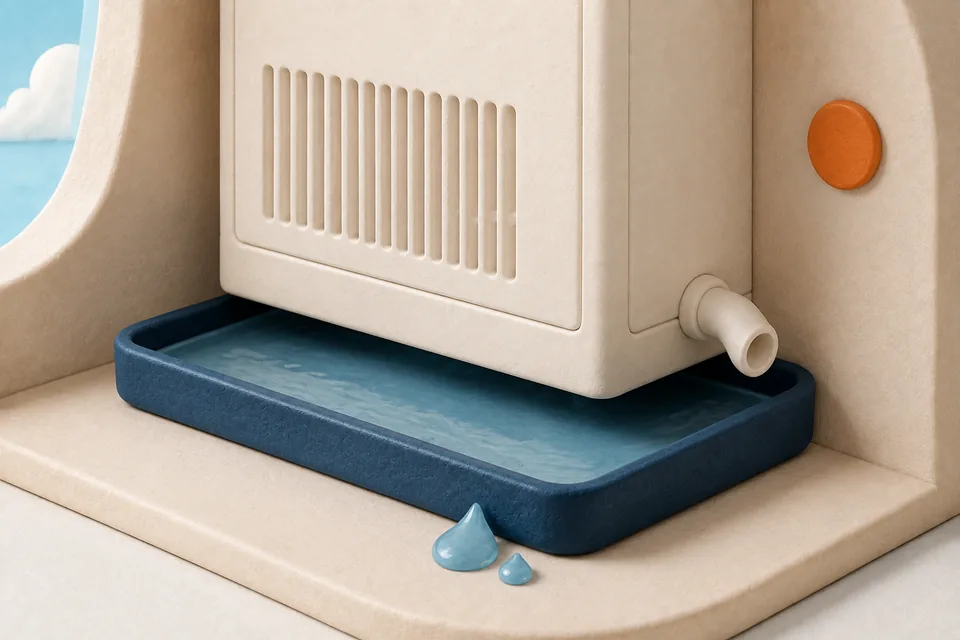
Read the symptom checks and service questions for AC drain pan overflow.
Call Coastal Carolina Comfort with the display message and the equipment response. Those details give the diagnostic visit a useful starting point.